
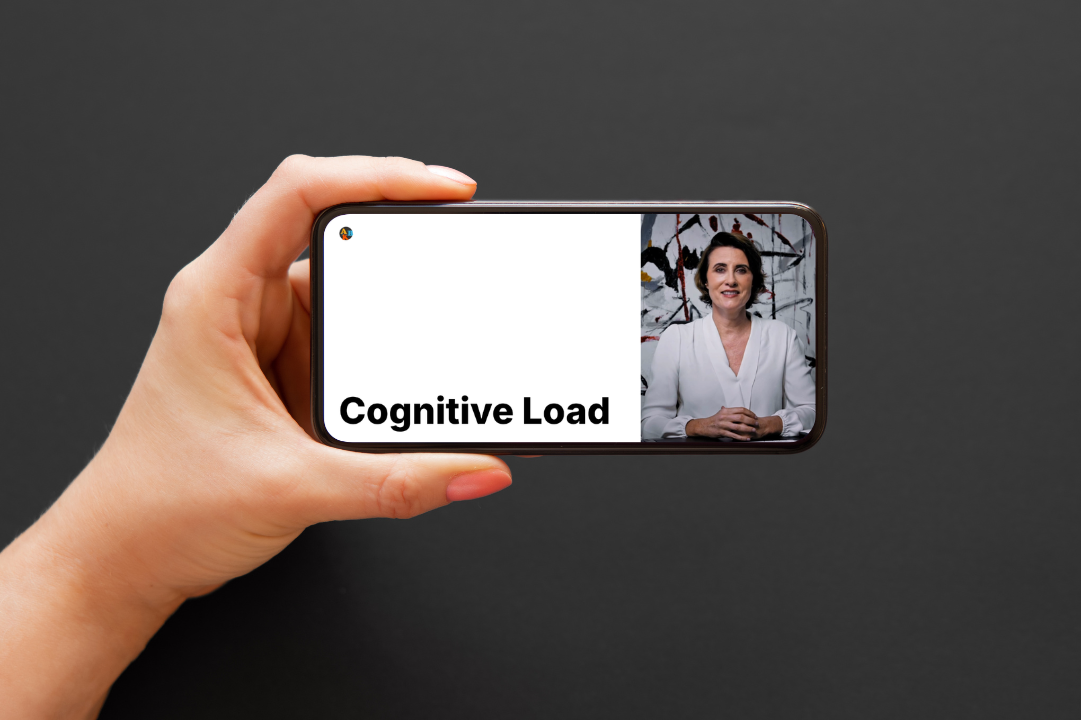
This 1-minute microlearning video, produced using Synthesia’s AI-powered Custom Template workflow, was designed to introduce career-switcher instructional designers to the three types of cognitive load — intrinsic, extraneous, and germane. The AI generated a structured first draft from a prompt, which I then refined through targeted script edits to improve clarity, add concrete examples, and ensure the language felt accessible for a beginner audience. The result is a focused, learner-centered asset that demonstrates how AI can accelerate video production when paired with intentional instructional design judgment.
Audience: Career-switcher instructional designers, beginner level
Responsibilities: Instructional Design, AI Prompt Engineering, Script Editing, Video Design
Tools: Synthesia
New instructional designers often hear about cognitive load theory but struggle to apply it. The concept can feel abstract, and existing explanations tend to be either too academic or too vague. I wanted to create something that made the three types of cognitive load — intrinsic, extraneous, and germane — immediately clear and memorable for someone who is still building their foundational knowledge.
The Approach:
I used Synthesia’s Custom Template workflow to move from concept to draft quickly, then applied instructional design judgment to refine the output.
Step 1: Prompting with intent
I started with a prompt that included the audience, content scope, tone, and complexity level — not just a topic. This gave the AI enough direction to produce a usable first draft rather than a generic result.
Step 2: Reviewing the AI-generated draft
Synthesia produced a structured script with a clear hook, three defined sections, and a closing call to action. The structure was solid. But the language needed work — some sections were too abstract, some transitions were abrupt, and the closing felt generic.
Step 3: Editing for learner clarity
I made five targeted revisions:
Opening: Smoothed the transition from the hook into the definition so it felt more conversational
Intrinsic load: Added a concrete example (medical terminology vs. everyday vocabulary) so beginners could feel the difference
Extraneous load: Made the language visual and specific (cluttered slides, confusing layouts) rather than abstract
Germane load: Reframed it as productive, positive effort — the kind designers should encourage
Closing: Tied the message back to the instructional designer’s core job: making learning easier
Step 4: Accessibility and presentation
I selected an avatar and voice that matched the supportive, professional tone of the content. I checked contrast, pacing, and caption availability. I kept the video to 30 seconds — long enough to teach the concept, short enough to hold attention.
The Result:
A 1-minute microlearning video that explains cognitive load theory in plain, relatable language. It’s designed to work as a standalone asset or as part of a larger onboarding curriculum for new instructional designers.
What This Project Demonstrates:
AI literacy: I can use AI tools strategically — not as a replacement for design thinking, but as an accelerator
Scriptwriting for narration: I write for the ear, not the page, with attention to pacing, clarity, and listenability
Audience awareness: I tailored language, examples, and complexity to a specific beginner audience
Editing judgment: I didn’t accept the AI draft as final. I identified what worked, what didn’t, and made deliberate improvements
Accessibility mindset: I considered contrast, captions, pacing, and cognitive load in the design of the video itself
Portfolio thinking: I chose a short, focused project that demonstrates skill without overpromising scope
Reflection:
The biggest lesson from this project was that AI doesn’t remove the need for instructional design — it makes design decisions more visible. The AI gave me a draft in seconds, but the difference between a generic video and an effective one came down to the edits I made: simplifying language, adding examples, and keeping the learner’s experience at the center. That’s the skill I want to keep building.