

Remote work isn't going anywhere. But while companies have gotten pretty good at the basics: setting up Zoom meetings, sharing screens, and sending endless Slack messages: many are still stumbling when it comes to training their remote teams effectively.
If you're wondering why your remote training programs feel like they're falling flat, you're not alone. The truth is, most organizations are making the same handful of mistakes, over and over again. The good news? Once you know what to look for, these issues are totally fixable.
Mistake #1: Using the Same Old Classroom Approach
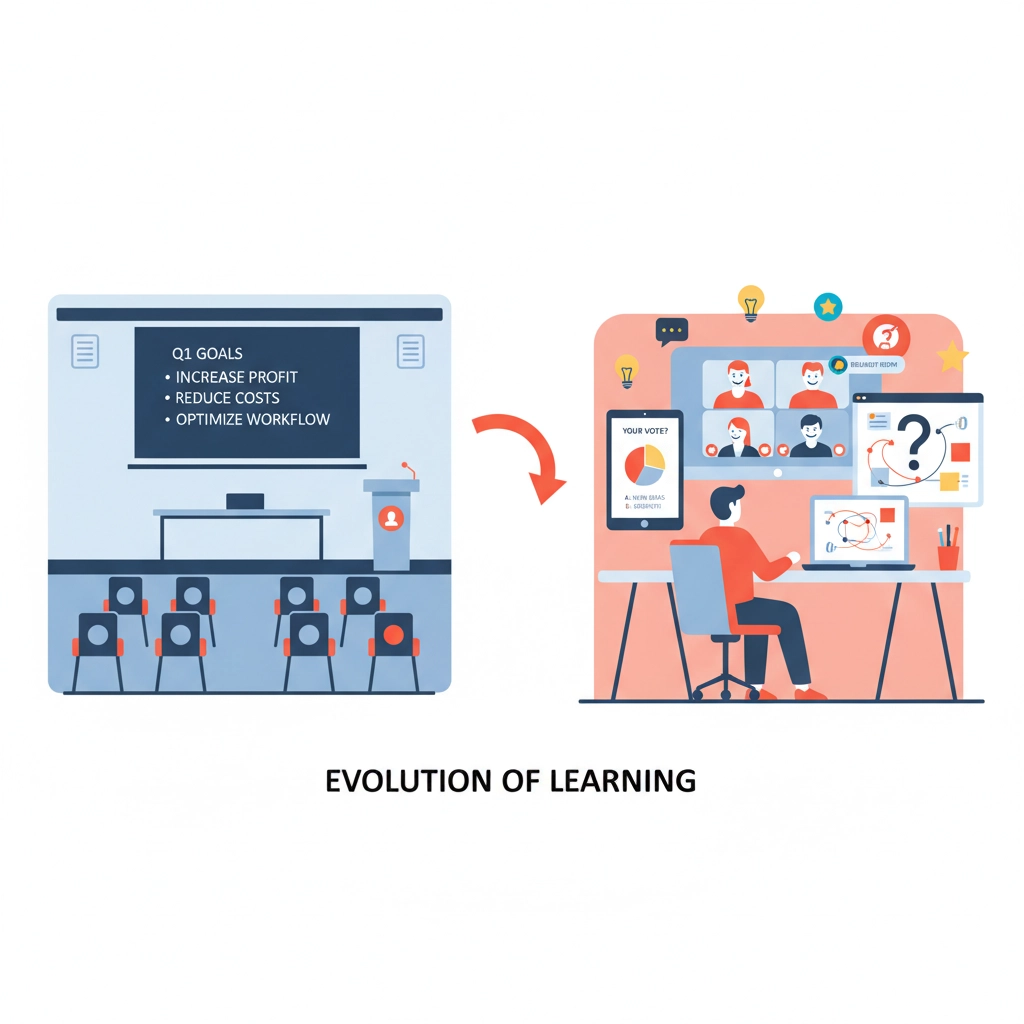
Here's the thing that trips up most companies: they take their existing in-person training materials and just… put them online. Same slides, same structure, same everything. Just now everyone's staring at a screen instead of sitting in a conference room.
This doesn't work. What keeps people engaged in person: walking around the room, spontaneous discussions, reading body language: none of that translates to virtual environments. When you're leading a Zoom training and ask "any questions?" you're usually met with awkward silence, not because people don't have questions, but because unmuting themselves feels weird.
Virtual learning needs its own playbook. Interactive polls, breakout rooms, digital whiteboards, and bite-sized content chunks work way better than hour-long presentations where people can (and will) multitask.
Mistake #2: Ignoring Technology Barriers
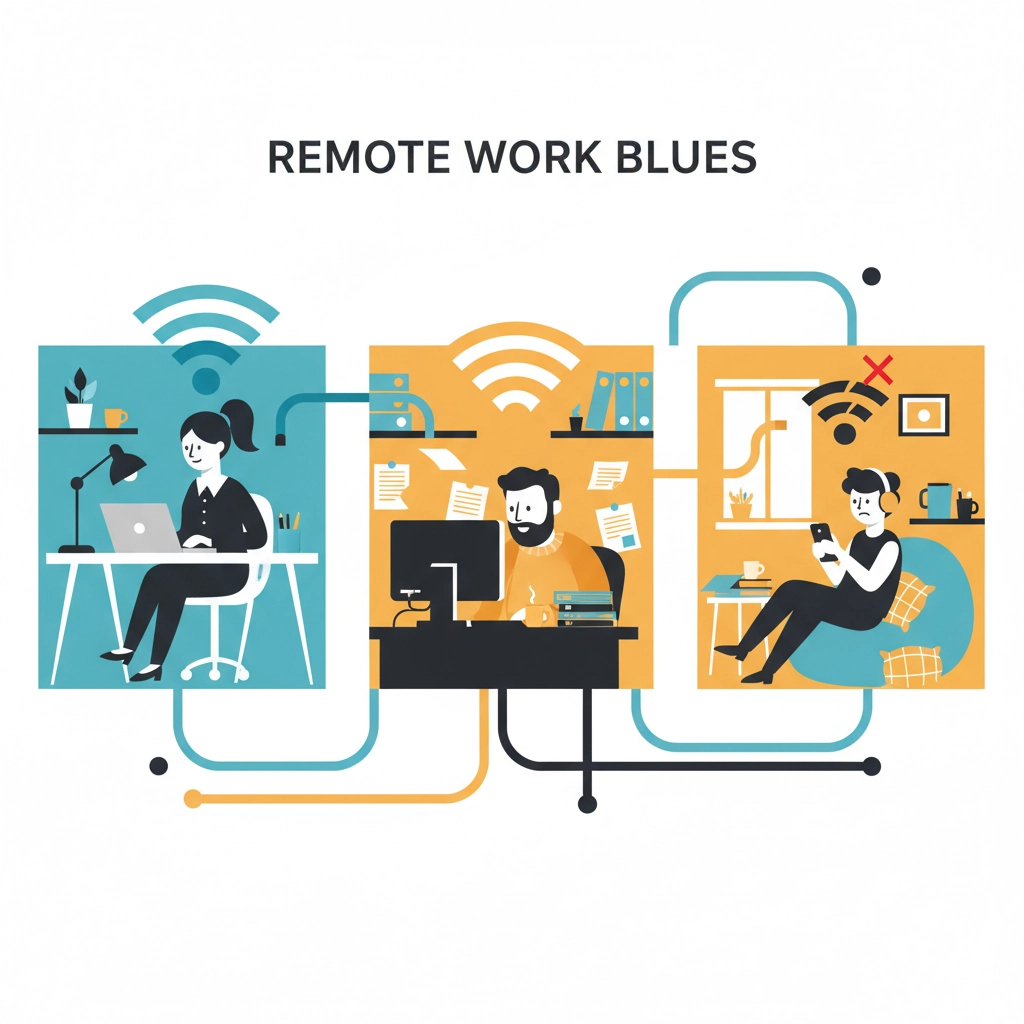
Not everyone has the same tech setup. Some of your remote employees might be working on older laptops, dealing with spotty internet, or struggling with software they've never used before. When your training platform crashes or won't load properly, people get frustrated and check out mentally.
The solution isn't always buying better tech: though that helps. It's about choosing training platforms that work across different devices and connection speeds, providing tech support before training begins, and having backup plans when things go wrong.
Test your training materials on different devices and internet speeds before rolling them out. And always, always have a phone number people can call when their video won't work or they can't access the materials.
Mistake #3: Making Communication Feel Like Work
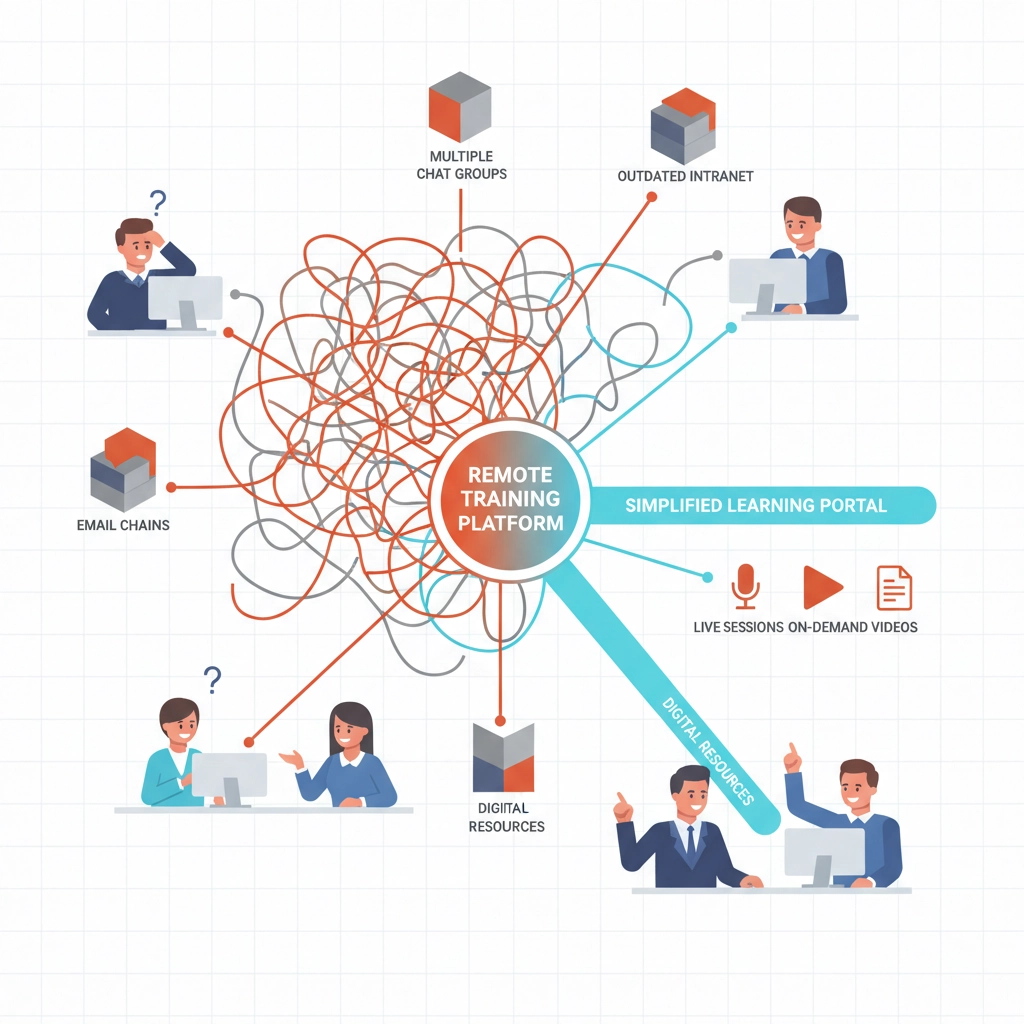
Remote training often feels isolated because companies overcomplicate how people can ask questions or get help. They set up multiple communication channels: email for this, Slack for that, a special forum for something else: and suddenly getting a simple question answered becomes a research project.
Keep it simple. Pick one or two communication methods and stick with them. Make it clear where people should go for different types of help. And respond quickly: when someone's stuck on a training module at 3 PM on a Tuesday, they need answers now, not next week.
Mistake #4: Forgetting About Company Culture
When you're trying to keep remote training "professional" and "focused," it's easy to strip out all the personality and culture that makes your company unique. The result? Training that feels generic and disconnected from the actual work environment.
Your company culture should shine through in your training, even when it's delivered remotely. If your team normally jokes around and keeps things light, your training can too. If collaboration is a big part of how you work, build that into your training structure.
Don't be afraid to let trainers show their personalities, include team photos, or reference shared experiences. People connect with people, not perfectly polished presentations.
Mistake #5: Setting Vague Goals
"Complete the training" isn't a goal: it's just checking a box. Too many remote training programs start without clear objectives, which means employees don't understand why they're spending their time on this instead of their regular work.
Be specific about what success looks like. Instead of "learn about customer service," try "handle three common customer complaints using the techniques covered in module two." Instead of "understand the new software," try "create a client proposal using the new system by the end of the week."
When people know exactly what they're supposed to be able to do after training, they're more engaged during training.
Mistake #6: Treating Training Like a One-Time Event
Here's a big one: companies schedule a training session, everyone attends (sort of), and then… nothing. No follow-up, no practice opportunities, no reinforcement. Just back to regular work and hope it sticks.
Learning doesn't happen in a single session, especially for remote workers who are already juggling distractions at home. The most effective remote training programs include multiple touchpoints: pre-work, the main session, follow-up activities, and ongoing support.
Think of training as a process, not an event. Schedule check-ins a week or two after the initial training. Provide job aids and reference materials people can access later. Create opportunities for people to practice what they've learned.
Mistake #7: Ignoring Different Learning Styles
When you're designing remote training, it's tempting to stick with what's easy to create: presentations and documents. But not everyone learns best by reading slides or listening to lectures, even virtual ones.
Mix up your delivery methods. Include videos for visual learners, interactive activities for kinesthetic learners, and discussion opportunities for people who learn by talking through concepts. Use real examples, case studies, and hands-on exercises.
Don't forget about accessibility, either. Not everyone can hear audio clearly or see small text. Design your training so it works for people with different abilities and needs.
Making It Work: Practical Solutions
So what does good remote training actually look like? It starts with understanding that virtual learning requires more intentional design, not less.
Break content into smaller chunks. Attention spans are shorter online, so 15-20 minute segments work better than hour-long blocks. Build in breaks and vary your activities.
Make it interactive from the start. Use polls, chat, breakout rooms, and collaborative documents to keep people engaged. Ask specific people for input rather than waiting for volunteers.
Provide multiple ways to get help. Office hours, discussion forums, peer mentoring, or simple "ask me anything" sessions can make the difference between people feeling supported and feeling lost.

Where ABK Learning Solutions Comes In
This is exactly the kind of challenge ABK Learning Solutions helps organizations tackle every day. Instead of trying to force-fit traditional training approaches into remote environments, we work with companies to design learning experiences that actually work for virtual teams.
We focus on creating training that feels natural for remote workers: interactive, accessible, and tied directly to real job performance. No generic modules or one-size-fits-all approaches.
Whether you're dealing with technology challenges, engagement issues, or just trying to figure out how to make your training more effective, ABK Learning Solutions can help you build something that actually works for your team and your business.
The Bottom Line
Remote work training doesn't have to be painful. Most of the problems companies face come from trying to replicate in-person approaches instead of designing for the unique challenges and opportunities of virtual environments.
Start by picking one or two of these mistakes to focus on first. Maybe it's simplifying your communication channels, or breaking your training into shorter segments, or adding more interactive elements. Small changes can make a big difference in how your remote team experiences and benefits from training.
The goal isn't perfect training: it's training that actually helps people do their jobs better, even when they're working from their kitchen table.